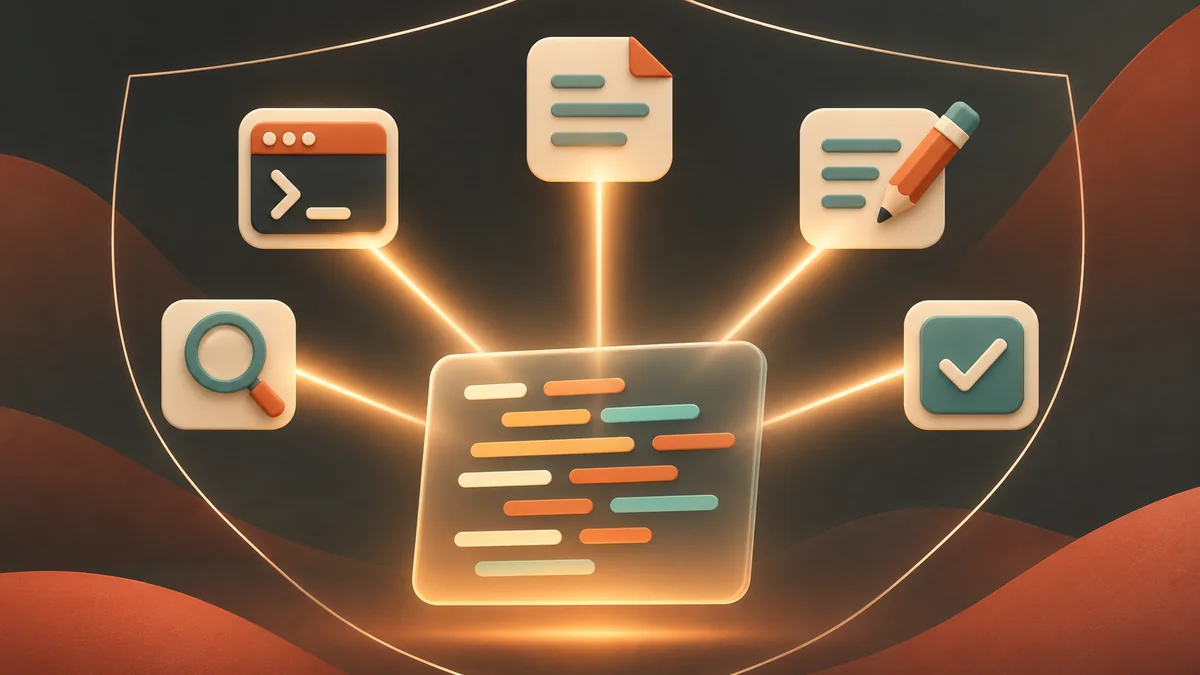
Claude Code 2.1.323, released on November 12, 2026, adds Code Mode. It’s an experimental, opt-in mode in which Claude stops asking for tools one call at a time. Instead, Claude writes a short piece of JavaScript that calls Bash, Read, Edit and the other tools, and Claude Code runs that code inside your session.
Anthropic’s documentation says Code Mode is off by default and “may change or be removed in any release”. It also comes with a long list of requirements and limits. Some of them, such as how auto mode reviews the code, matter more than the speed-up itself, so read them before you set the variable.
How Claude Code Code Mode works
Without Code Mode, Claude asks for one tool call, reads the result, then decides on the next call. Each step is a round trip through the model.
With Code Mode, the loop changes:
- You describe the task in a prompt, as usual.
- Claude writes JavaScript that carries out several steps. One piece of code can run commands in parallel, feed one result into the next call, and return only the part of the output Claude needs to read.
- Claude Code runs that code in your session. Each tool call inside it still goes through your permission rules and hooks.
- The code’s return value goes back to Claude, which decides what to do next.
The Code Mode page shows this example for a request to raise a retry limit. The code finds the file, edits it, runs the tests and returns the path plus the test output:
const files = await $`rg -l "function retryPolicy" src`.text();
const target = files.trim().split("\n")[0];
await edit(target, "maxAttempts: 3", "maxAttempts: 5");
({ edited: target, tests: $`npm test -- retryPolicy`.nothrow() });
In the conversation you still see the tool calls, such as the edit’s diff, but not the code. Press Ctrl+O to open the transcript viewer, where each piece of code appears as a collapsed Code row that you can expand. Press Ctrl+O again to go back.
Anthropic suggests trying it on tasks that take many related tool calls: a change that repeats across many files, a search whose results need filtering before Claude reads them, or several independent commands that can run at the same time. A single small edit gives Code Mode little to batch, since there’s only one tool call to make.
Requirements before you turn it on
Code Mode only starts when every one of these is true. If one fails, Claude Code starts without it.
Code Mode requirements (Claude Code 2.1.323)
| Version | Claude Code v2.1.323 or later, on either release channel |
|---|---|
| Installation | Native build of Claude Code |
| Account | Claude subscription or Console account; not through a gateway, Amazon Bedrock, Claude Platform on AWS, Google Cloud's Agent Platform or Microsoft Foundry |
| Organization | No HIPAA configuration and no zero data retention |
| Model | Claude Opus 5.5, Sonnet 5.5, Haiku 5.5 or Fable 5.2 |
| Surface | Interactive claude session in a terminal; not -p, the Agent SDK, the VS Code panel, the Desktop app or cloud sessions |
| Windows | Git for Windows installed |
Some settings also block it: an API key helper, agent teams, OpenTelemetry export, or DISABLE_TELEMETRY. The gateway rule catches a lot of setups on this site. If you route Claude Code through a custom ANTHROPIC_BASE_URL, a proxy or a router, the troubleshooting table says Code Mode won’t start (“it only works with the Anthropic API”) until you remove those settings.
Turn on Code Mode
Check your version first:
claude --version
claude update
If you’re on the stable channel and claude update doesn’t reach v2.1.323, the docs say to wait for stable to catch up or switch to latest.
Then set CLAUDE_CODE_EXPERIMENTAL_CODE_MODE to 1. For a one-off try on macOS, Linux or WSL:
CLAUDE_CODE_EXPERIMENTAL_CODE_MODE=1 claudeIn Windows PowerShell:
$env:CLAUDE_CODE_EXPERIMENTAL_CODE_MODE = "1"
claude
To turn it on for every new session, put it in the env block of your user settings, ~/.claude/settings.json:
{
  "env": {
    "CLAUDE_CODE_EXPERIMENTAL_CODE_MODE": "1"
  }
}
Claude Code ignores this variable in a project’s settings files, so a repository you clone can’t switch Code Mode on for you. Before the first Code Mode session, Claude Code asks you to confirm. Pick “Yes, turn on Code Mode”, and after the restart this line shows near the top of the session:
Code Mode (experimental) is on · this session can be resumed only with Code Mode onIf you see Code Mode (experimental) isn't available instead, the reason follows on the same line, and /status shows it too.
Permissions, auto mode and hooks
Code Mode doesn’t bypass your permission setup, but it changes what gets reviewed.
- Rules and hooks still apply per call. Each tool call that Claude’s code makes goes through your
denyandaskrules and yourPreToolUsehooks. You don’t need new matchers for tools such asBash. - Auto mode reviews the code, not each call. The auto mode classifier looks at each piece of code before it runs. It doesn’t see values computed at run time, such as a path pulled from search output. Anthropic’s advice is to keep rules or hooks for any call you must control.
- Other modes prompt per call. Outside auto mode the code starts without a review, and you get a prompt for each tool call that would normally prompt you in that mode.
To inspect the JavaScript itself, write a PreToolUse hook that matches REPL, the tool that runs Claude’s code, and read the code from tool_input.code.
Hook failures behave differently too. On a call from Claude’s code, a PreToolUse hook that can’t start, gets killed or returns invalid output refuses the call (“the hook failed”), and a timeout refuses it with “the hook did not finish”. Set "onFailure": "continue" on a command or http hook if you want calls to go ahead when the hook fails or times out.
Long-running code and what you lose
Code that Claude waits on stops after ten minutes, and that includes time you spend at permission prompts. Code that can run in the background can run for up to two hours while you keep talking to Claude. For background code, the docs say to start the session in auto or bypassPermissions mode.
The other limits are about where the session can go afterwards:
- You can resume a Code Mode session only in the terminal, with Code Mode on. Keep
CLAUDE_CODE_EXPERIMENTAL_CODE_MODE=1set when you runclaude --continueorclaude --resume, or Claude Code refuses to resume it. - Remote Control, Claude in Chrome and computer use aren’t available.
- You can’t move the session to the Desktop app or turn it into a background session, and
/forkcan’t start a background copy.
Before you enable Code Mode
- claude --version shows v2.1.323 or later on the native build
- You sign in with a Claude subscription or Console account, with no gateway or custom ANTHROPIC_BASE_URL
- Your model is Opus 5.5, Sonnet 5.5, Haiku 5.5 or Fable 5.2
- No apiKeyHelper, agent teams, OpenTelemetry export or DISABLE_TELEMETRY
- Hard limits live in deny rules, PreToolUse hooks or sandboxing, rather than in auto mode alone
- You accept terminal-only resume and no Remote Control, Claude in Chrome or computer use
Turn it off or block it for an organization
Remove CLAUDE_CODE_EXPERIMENTAL_CODE_MODE from your shell and from ~/.claude/settings.json, then start a new session. You can also set it to 0. A 0 in one place keeps Code Mode off even if the other place says 1.
Admins can block it for everyone by adding the variable with the value 0 to managed settings:
{
  "env": {
    "CLAUDE_CODE_EXPERIMENTAL_CODE_MODE": "0"
  }
}
Users already in a Code Mode session stay in it until they exit or restart. After that they start without Code Mode and can’t resume their Code Mode sessions while the 0 is in place. Managed settings can’t force Code Mode on for users.
Other changes in 2.1.323
The same release adds engines["claude-code"] to plugin.json. Plugins outside their stated Claude Code version range aren’t installed, updated or loaded, and install and update pick the newest version that fits. claude plugin validate now type-checks a plugin’s TypeScript hooks module, reporting each finding as a warning, and --strict fails on it. If you maintain plugins or hooks, check both against your own setup, and see how Claude Code hooks work for the hook side.
Should you try it?
Code Mode is aimed at multi-step work: repeated edits across files, filtered searches and parallel commands. If you run Claude Code directly against Anthropic’s API in a terminal, on one of the listed models, you can switch it on for one session and read the code it writes with Ctrl+O. If you route through a gateway, Bedrock, Foundry or a local proxy, it won’t start for now. Treat the auto mode change as the deciding factor for shared or sensitive repos, and keep your real limits in rules, hooks and sandboxing, as covered in Claude Code MCP security risks and best practices and the Claude Code power user guide.