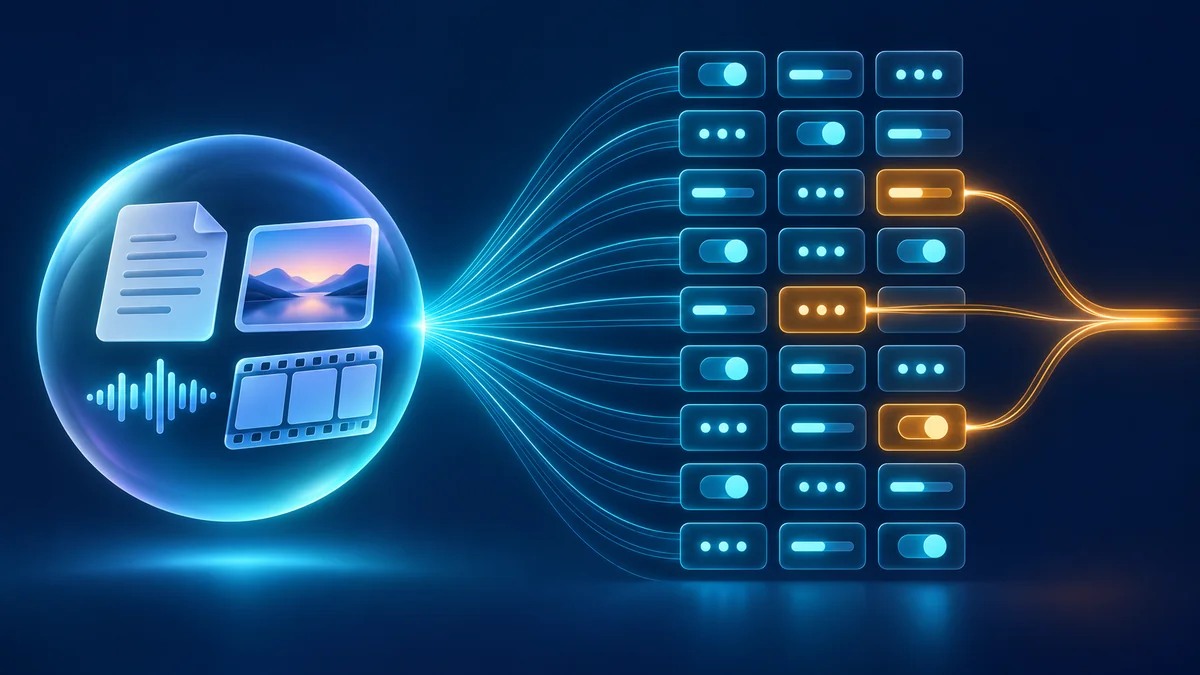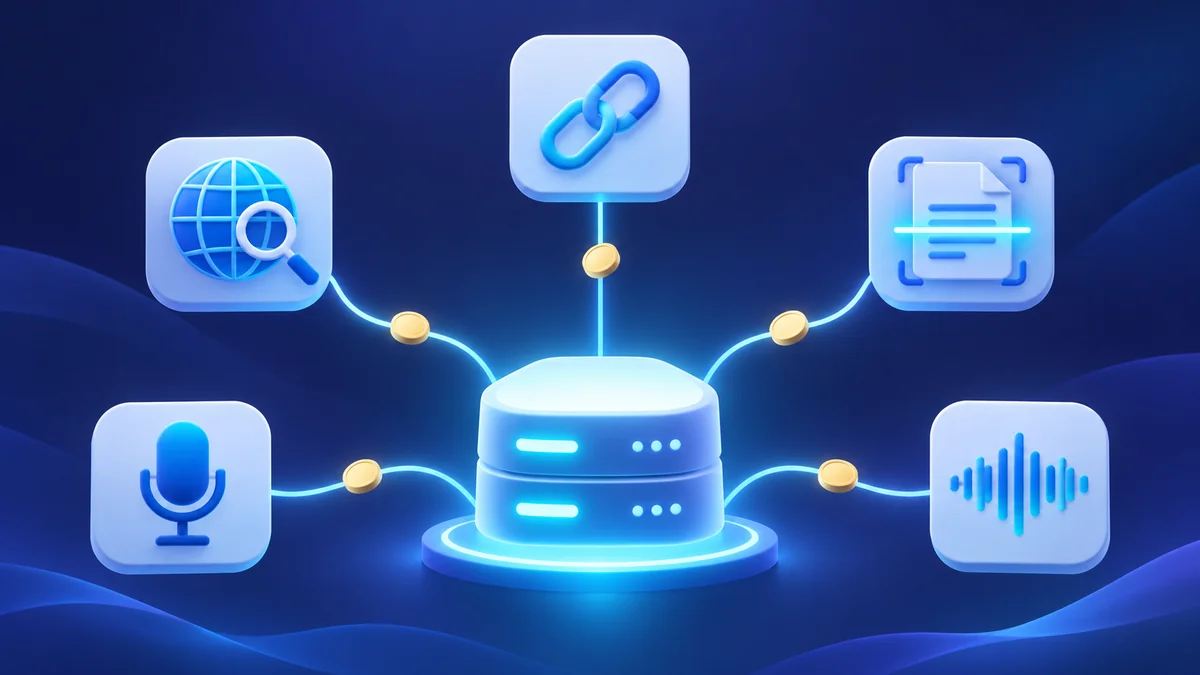
DeepSeek has moved the tools behind its own chat app into the API. A news post dated November 13, 2026, titled “The full DeepSeek App experience, now via API”, says that V4.1-Flash, called as deepseek-flash, can now search the web, read links, parse files and run safety checks on the server side. The same release adds standalone OCR, speech-to-text (ASR) and text-to-speech (TTS) endpoints.
If you build agents or chat apps on DeepSeek, three outside services drop out: the search provider, the scraper for user links and the OCR service. The catch is billing: each search, page fetch, parsed page and second of audio is charged on top of normal token usage, and DeepSeek says public-facing apps must turn on its safety checks.
What DeepSeek added to the API
DeepSeek’s announcement lists five built-in capabilities for deepseek-flash. They work in the Anthropic-style Messages API, the Responses API and the OpenAI-style Chat Completions API, and DeepSeek handles the tool calls and context assembly on its side:
- Web Search: searches the web or images and answers with citations, in non-thinking mode.
- Deep Thinking Search: searches and reads pages throughout multi-step reasoning.
- File Input: parses PDFs, Office files, images and more into the conversation context.
- URL Reading: fetches links in the user message so the answer can use them.
- Safety Checks: screens inputs and outputs and returns refusal indicators when it detects risks.
Search, Fetch, OCR, ASR and TTS are also sold as standalone APIs for custom workflows. DeepSeek also published an open-source chat frontend demo, deepseek-ai/chat-demo (MIT license), that recreates the DeepSeek App on top of these APIs and can import DeepSeek conversation history.
Pricing: tool fees on top of tokens
DeepSeek’s Models & Pricing page puts the tool prices next to the token prices. The announcement is explicit that “extended capabilities incur tool usage fees in addition to standard token charges.”
| Item | Unit | Price |
|---|---|---|
| Search (text or image) | per 1,000 searches | $0.75 |
| Web fetch | per 1,000 fetches | $0.75 |
| File parsing and OCR API | per 1,000 pages | $0.225 |
| Text to Speech (TTS) | per 10,000 characters | $0.45 list, $0.225 limited-time (50% off) |
| Speech to Text (ASR) | per hour of audio | $0.116 list, $0.058 limited-time (50% off) |
The token side for deepseek-flash, served by the DeepSeek-V4.1-Flash-1017 model with a 1M context and up to 384K output tokens, is priced per 1M tokens:
| deepseek-flash | Off-peak | Peak |
|---|---|---|
| Input, cache hit | $0.003 | $0.006 |
| Input, cache miss | $0.15 | $0.30 |
| Output | $0.60 | $1.20 |
Off-peak rates are half the peak rates. DeepSeek’s peak hours are 01:00 to 04:00 and 06:00 to 10:00 UTC, Monday through Friday, excluding Chinese public holidays. Everything else is off-peak, including weekends.
DeepSeek’s web tools guide spells out how searches are counted. Cost estimates usually go wrong here:
- A search call that returns results is billed per query, so one call with three queries counts as three searches. A call that fails or returns nothing isn’t billed.
- In image search, each image counts as one search, and each region the model picks in an image counts as one more.
- URL reading is billed per page fetched successfully. That includes pages whose result is then replaced by a
url_not_allowedorunavailableerror under content safety. Links that can’t be fetched aren’t billed. - In deep thinking search, an opened page is billed only when it’s fetched from the web. Opening the same page again, and finding text in a page, are free.
How to turn on web search and URL reading
You declare the server tools in tools and let the model decide when to use them. Your client doesn’t run anything. DeepSeek’s guide shows this Chat Completions request, which enables both tools with thinking on:
curl https://api.deepseek.com/chat/completions \
  -H "Content-Type: application/json" \
  -H "Authorization: Bearer ${DEEPSEEK_API_KEY}" \
  -d '{
    "model": "deepseek-flash",
    "thinking": {"type": "enabled"},
    "tools": [
      {"type": "deepseek_web_search"},
      {"type": "deepseek_read_url"}
    ],
    "messages": [{"role": "user", "content": "What is new in DeepSeek V4.1?"}],
    "stream": true
  }'
The thinking setting changes what deepseek_web_search does. With thinking disabled, it’s plain web search with citations. With thinking enabled, it becomes deep thinking search, where the model searches, opens pages and finds text in pages across several reasoning steps. In that mode it doesn’t read the user’s links separately; links are read only with thinking disabled or when you declare deepseek_read_url alone.
A few rules from the guide that will catch existing integrations:
tool_choicecan’t namedeepseek_web_searchordeepseek_read_url; the request returns400. Settingtool_choicetononeturns off every tool, including URL reading.allowed_domains,blocked_domainsanduser_locationaren’t supported ondeepseek_web_search.- The error table lists “other tools cannot be used together with
deepseek_web_search,deepseek_read_url,safety_checkortitleyet” for a request that declares another server tool. - URL reading only checks the last user message, and it considers at most the first 10 different URLs in it.
- A reply that used these tools can’t be continued with a partial assistant message. DeepSeek says to resend the previous request instead.
- For multi-turn chats, pass each previous reply back unchanged, including the
kindandsignaturefields. A page read from a link is carried encrypted insignatureand restored into context from it.
Safety checks are required for public apps
The announcement says public-facing apps must enable safety checks, and that developers remain responsible for content moderation, applicable model registration and AI-generated content labeling. The guide sets this with a top-level safety_check object whose level must be low or high:
{
  "model": "deepseek-flash",
  "input": "What is new in DeepSeek V4.1?",
  "tools": [
    {"type": "deepseek_web_search"},
    {"type": "deepseek_read_url"}
  ],
  "safety_check": {"level": "high"},
  "stream": true
}
That example is the Responses API form. With content safety on, read-link results are sent only after they pass review, and a page that fails returns url_not_allowed. A response refused by content review ends with stop_reason set to refusal, and an input blocked by review returns 400 Content Exists Risk. Your client needs to handle both cases before real users hit it.
Standalone OCR, ASR and TTS endpoints
The three standalone tools are plain HTTPS endpoints that use the same API key.
DeepSeek standalone tool endpoints (docs, November 2026)
| OCR | POST https://api.deepseek.com/v1/tools/ocr; PDF, Word, PowerPoint and common image formats; up to 100 MiB and 1,000 pages; purpose text_recognition or rich_layout_recognition |
|---|---|
| ASR | POST https://api.deepseek.com/v1/tools/asr; 16-bit PCM WAV or Ogg Opus; at most 8 MiB and 120 seconds per request; no streaming recognition; language auto-detected from 21 languages |
| TTS | POST https://api.deepseek.com/v1/tools/tts for full text, or WebSocket wss://api.deepseek.com/v1/tools/tts for streaming; voices stella (default) and tide; up to 10,000 billed characters per request |
| Concurrency | ASR and TTS: at most 50 requests in progress per account, then 429 |
The OCR endpoint doesn’t store the file in the Files API or pass it to a chat model. If you want the model to answer questions about a document, DeepSeek points you to File Parsing instead. A minimal OCR call from the docs:
curl https://api.deepseek.com/v1/tools/ocr \
  -H "Authorization: Bearer <DeepSeek API Key>" \
  -F purpose="text_recognition" \
  -F file="@document.pdf"
TTS detects the language from the text and covers 10 languages, including English and Arabic. One request returns at most 30 minutes of audio, and there’s no speed control. For billing, a Chinese character counts as two characters and any other character counts as one. The TTS call looks like this:
curl https://api.deepseek.com/v1/tools/tts \
  -H "Authorization: Bearer <DeepSeek API Key>" \
  -H "Content-Type: application/json" \
  -d '{"text": "Hello from DeepSeek.", "voice_id": "stella"}' \
  --output speech.wav
ASR is billed by audio duration to the second. With a 120-second cap per request, long recordings have to be split on your side before upload.
Before you switch an app to DeepSeek's built-in tools
- Model name is deepseek-flash (the legacy deepseek-v4-flash names are served by V4.1-Flash-1017)
- Cost estimate includes $0.75 per 1,000 searches and fetches, counted per query, on top of tokens
- safety_check is set for any public-facing app, and refusal and 400 Content Exists Risk are handled
- tool_choice doesn't name the web tools, and no allowed_domains or blocked_domains are set
- Multi-turn history passes earlier replies back unchanged, including kind and signature
- Audio for ASR is split into chunks of 120 seconds and 8 MiB or less
Who should use it
If you already call deepseek-flash and pay a separate search API or scraper for grounding, compare that bill with DeepSeek’s $0.75 per 1,000 searches and per 1,000 fetches plus tokens. The same goes for low-volume OCR and voice features, where one vendor and one key is simpler than three. The limits still apply: no domain filtering on search, no forced tool choice, a 120-second ASR cap, and a required safety layer for public apps. If you route DeepSeek through coding tools rather than your own app, our DeepSeek V4 pricing explainer and the guide to using DeepSeek with Codex CLI cover that side.